

The problem
Standalone workflows and manual hearing admin
Hearing administration needed constant coordination, and every new workflow risked adding complexity instead of removing it.
- Around $400 a month on a case management platform that still needed extra integrations
- Workflows ran independently, with no shared structure
- Hearing appointments were created and updated by hand in the calendar
- Rescheduling risked duplicate appointments and inconsistent records
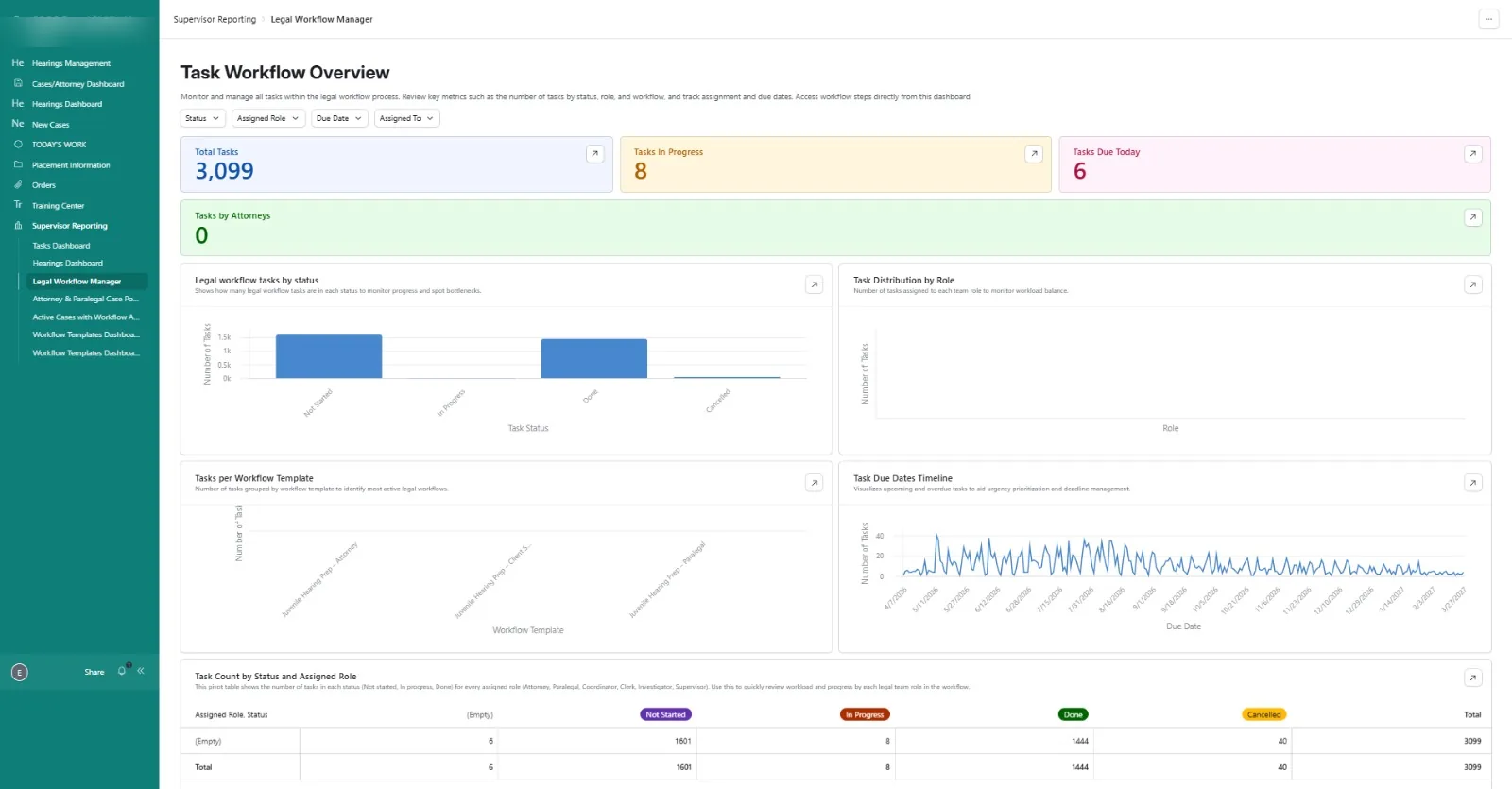
- No single view of cases, hearings, tasks and who was assigned
What we built
Architecture first, then automation
We treated this as an operations design project rather than a list of automations, starting by separating the firm’s data from the logic that acts on it.
One central database
Cases, hearings, people, tasks and templates live in one connected base instead of scattered spreadsheets.
Reusable workflow templates
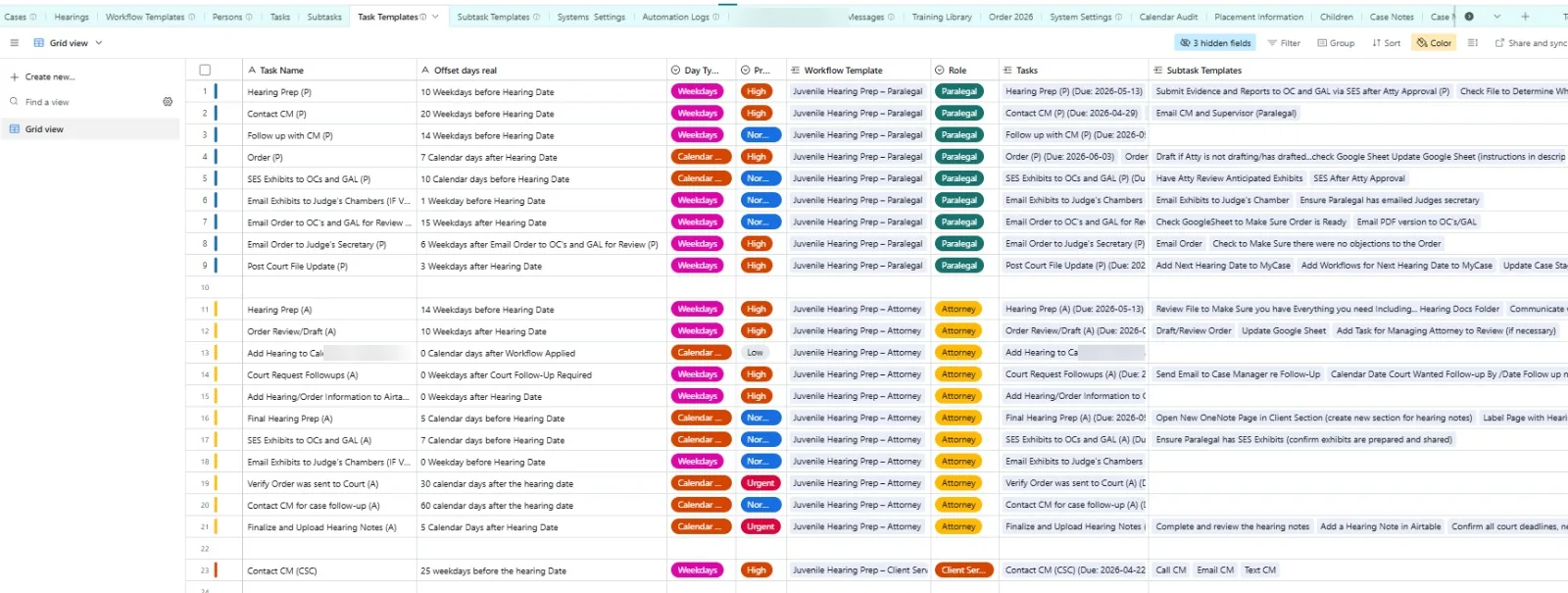
Workflow definitions are separate from execution, so a new workflow is a new template, not a new system.
Tasks generated automatically
Hearing details, assigned staff and the chosen template generate each hearing’s tasks and subtasks, with role-based assignment and progress tracking.
Calendars managed from one place
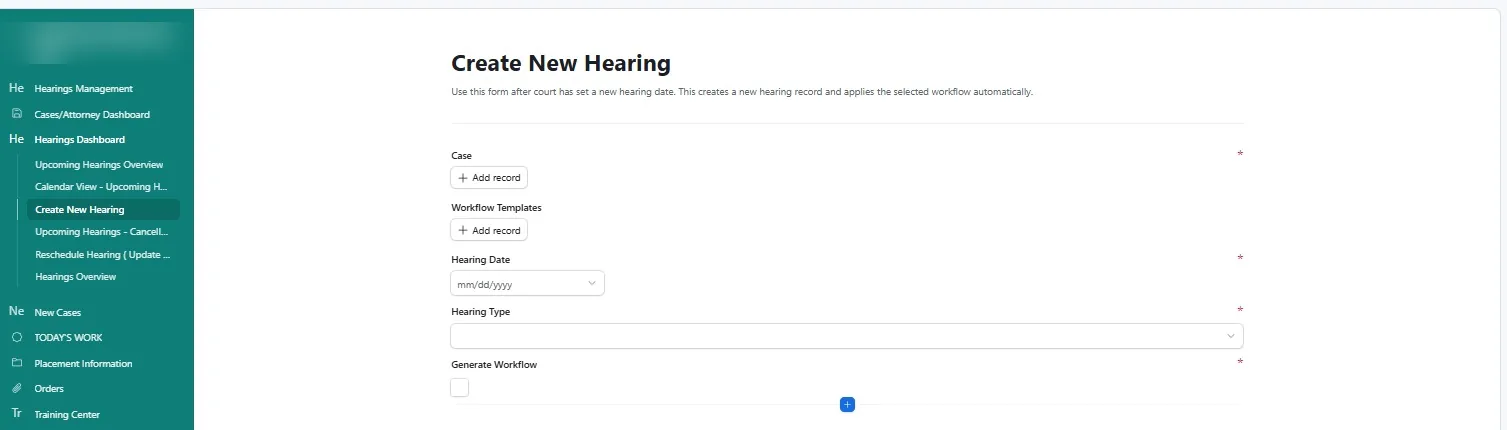
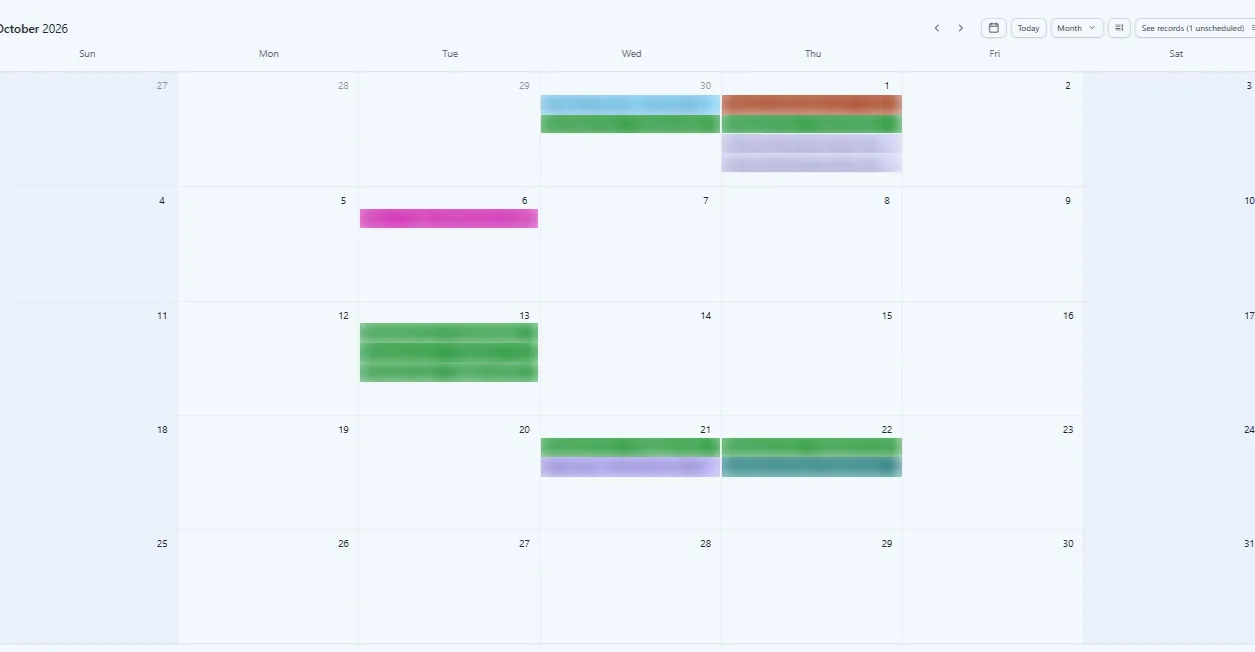
Staff create, reschedule and cancel hearings in one interface, and the firm calendar and each attorney’s calendar follow.
Interfaces for every role
Views for hearing creation, upcoming hearings, rescheduling, attorney dashboards, cases and daily tasks.
Built-in controls
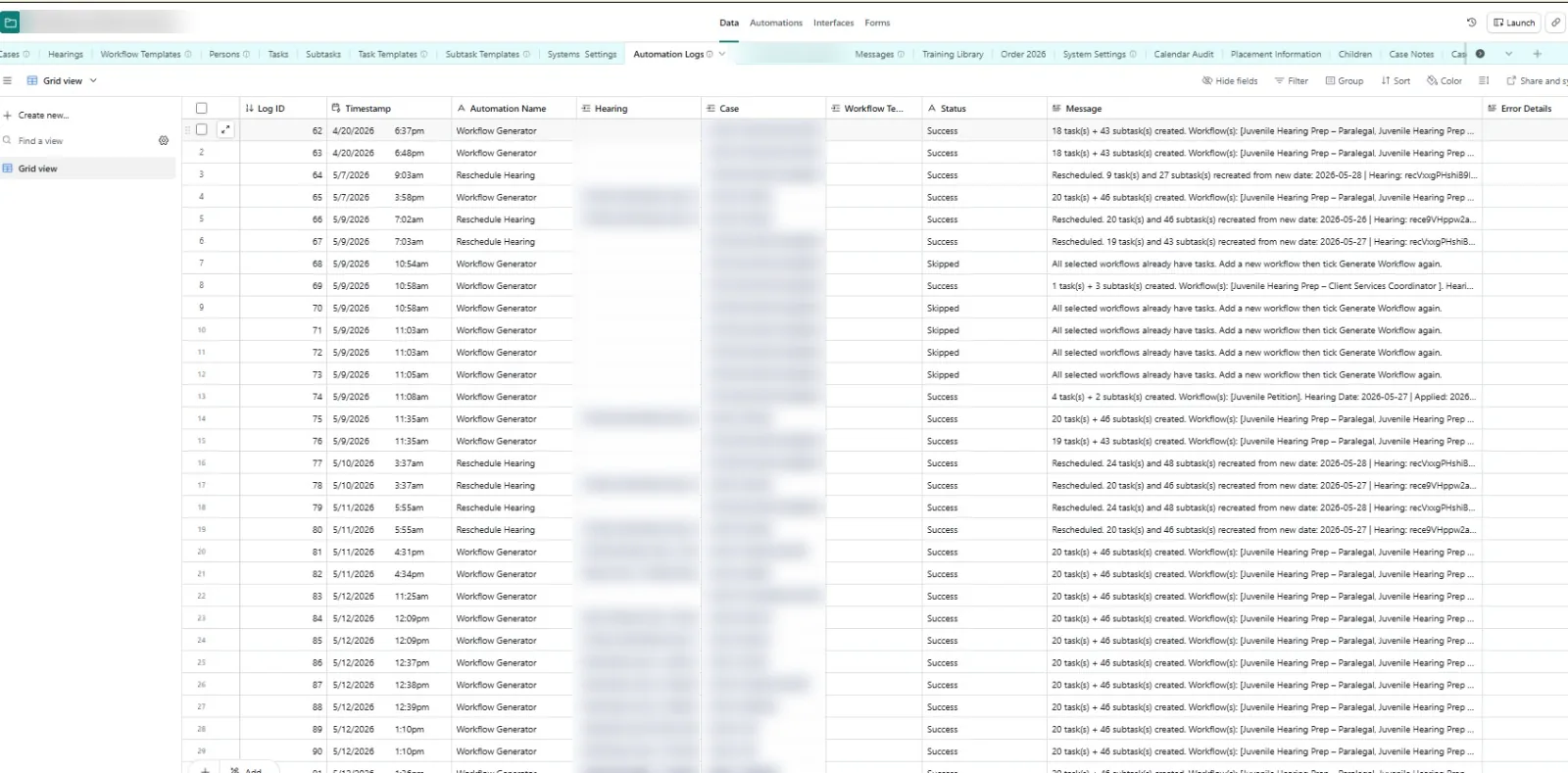
System settings, automation logs and sync status fields make it clear what has been processed and help with troubleshooting.
Results
Lower costs, and room to grow
- Recurring software costs cut from about $400 to $89 a month
- Three core workflow components that now support 27 workflows
- Hearings created, rescheduled and cancelled in one place, with calendars kept in step
- New workflows added within the existing structure, without a rebuild
“Riyike has built out this amazing system for us, and we all love it at my firm.”
Annual savings assume monthly costs stay the same. Time saved on hearing admin has not been measured, so we do not claim a figure.
Our role
Architecture through to interfaces
We designed the data architecture and workflow templates, and built the task generation scripts, calendar integration, automations, monitoring and staff interfaces.
Tools used
Airtable holds the data, scripts and interfaces. Make connects it to Google Calendar for the firm and each attorney.